To-Do · Sep 6, 2026 · 6 min
How to Categorize a To-Do List by Life Area
The simplest way to categorize a to-do list is by life area: sort every task into one of three to five broad parts of your life, such as Private, Work and Family, and stop there. You don't need folders, nested projects or a long tag list. A handful of areas, each with its own color, is enough to see at a glance where your week is going.
Below is how to categorize a to-do list step by step: how to set it up, how many categories you really need, and what a sorted week looks like.
Why one long list stops working
A single list feels easy at first. You write things down as they come: "send invoice", "book dentist", "buy birthday card for Mum", "reply to Anna about the slides". After a few days the list is long, and every line looks equally urgent.
The trouble isn't the number of tasks. It's that the list has no shape. When work tasks sit right next to a reminder to water the plants, you have to read every line to answer simple questions: what do I need to do for work today? Is anything for the kids due this week? Have I done anything for myself lately?
People often react by adding more structure: a category for every project, tags for energy level, a folder for "someday". But a system with a dozen categories needs its own maintenance. Choosing the right label for each task becomes a small decision you make over and over, and the list starts to feel like admin.
Organizing by life area instead of by project
A life area is a broad part of your life that keeps generating tasks: your job, your home, your family, your health, your own projects. Unlike a project, it never ends. That makes it a stable place to put things.
Here is the difference in practice:
| By project | By life area | |
|---|---|---|
| Example categories | "Kitchen renovation", "Q4 report", "Lisbon trip" | Private, Work, Family |
| Lifespan | Ends when the project ends | Ongoing |
| New category needed when… | Every new project starts | Rarely, if ever |
| Question it answers | "Where is this project at?" | "Which part of my life needs me today?" |
Project lists help with planning one big thing. For a daily to-do list, life areas are easier to live with: you sort each task once, quickly. "Q4 report" tasks simply go under Work, and "Lisbon trip" tasks go under Private or Family, depending on who's coming.
How many to-do list categories you actually need
For most people, three is a good starting point:
- Private – your own errands, health, hobbies, admin.
- Work – your job or business.
- Family – partner, children, parents, shared household plans.
A fourth area is worth adding only when a real group of tasks keeps landing in the wrong place. For example, someone renovating a flat over several months might add Home, because those tasks are too many to blend into Private. A student working part-time might split Work into Work and Study.
Recurring household chores are a different case. They don't need an area of their own; they fit better in a weekly cleaning routine with a fixed day for each chore than on the to-do list.
A simple test before adding a category:
- Has the same kind of task come up for at least a couple of weeks?
- Does putting it under an existing area hide it or make that area noisy?
- Would you actually filter by this new area?
If the answer to all three is yes, add it. If not, keep the list as it is. Five areas is a sensible ceiling: that is still few enough to remember every area and its color without looking them up. Beyond that, categories start splitting hairs, and sorting tasks gets slower again.
Using color instead of more structure
Once you have a few areas, color does most of the remaining work. Give each area one soft, distinct color and use it everywhere that area appears.
A day full of one shade tells you it's a work-heavy day before you look at a single task. A week with almost no Family color might be a nudge to plan something. You get that overview without adding tags, sub-lists or another layer of hierarchy.
A few tips:
- Pick colors that are easy to tell apart but calm to look at; muted pastels work well.
- Keep each color tied to the same area for good, so you learn the meaning.
- Resist using color for anything else, like urgency. One meaning per color keeps it readable. If something is important, mark it as a priority instead.
Switching between a by-date and a by-category view
Life areas don't replace dates. You still need to know what's due today. The trick is being able to look at the same tasks in two ways:
- By date – today, tomorrow, later. This is your working view: what to do next.
- By category – everything in Work, everything in Family. This is your checking view: is any area piling up, or being forgotten?
Most days you'll live in the date view. A look at the category view once or twice a week is often enough to notice that Private tasks keep slipping, or that Work has quietly taken over. If the same few tasks keep slipping no matter which area they're in, deciding what to do with tasks that keep rolling over helps more than another category.
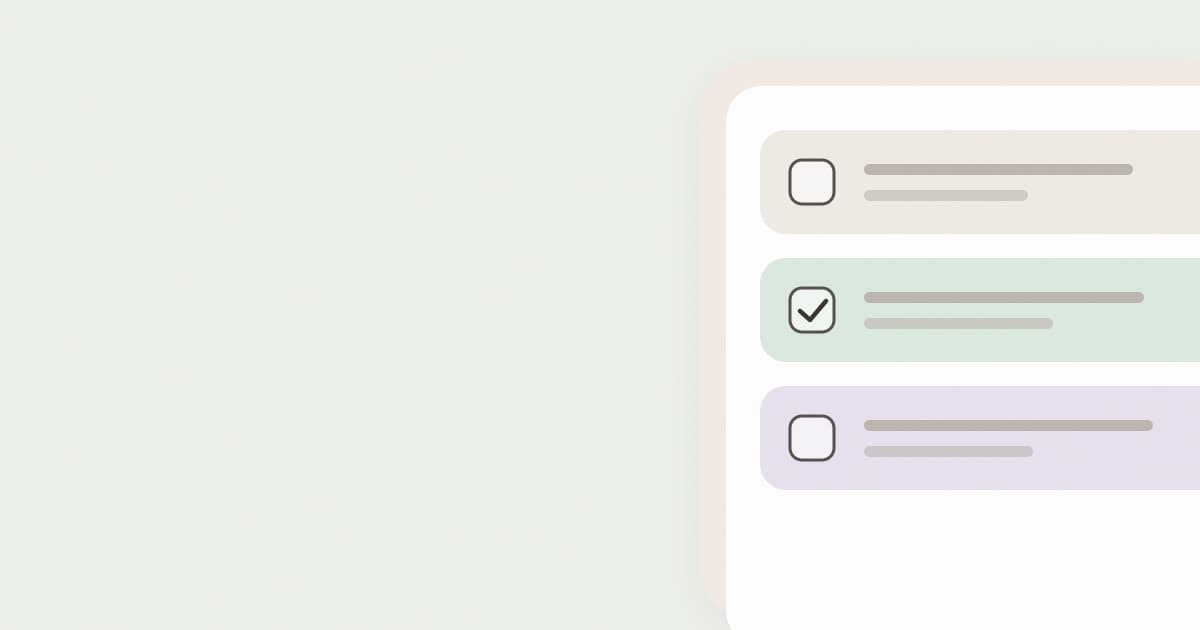
This is how the To-Do module in LinenList is set up. LinenList is a calm planner that brings your to-do list, routines, budget, habits, goals and monthly review together in one place. Its To-Do starts with three categories, Private, Work and Family, each with its own pastel color, and lets you add up to five in total. You can filter tasks by category and switch between a By date and a By category view, and tasks in the weekly calendar take on the color of their category.
Example: one week sorted into three areas
Take Marta, who works full-time, has a partner and a seven-year-old, and used to keep everything in one notes app. Here's part of her week, sorted into three areas:
Work
- Monday: finish quarterly report draft (starred)
- Tuesday, 10:00: team planning meeting
- Thursday: review Anna's slides
- Friday: send invoices
Family
- Monday: sign school trip form
- Wednesday, 17:30: swimming lesson pickup
- Saturday: buy birthday present for her niece
- Sunday: video call with her parents
Private
- Tuesday: book dentist appointment
- Thursday, 19:00: yoga class
- Saturday: return library books
- No date: research a new running jacket
In the date view, her Monday shows two tasks: the starred report draft first, then the school form. In the category view, it's clear that Private is mostly small errands, with only one slot that's really time for herself: the yoga class. That's not a problem, but if she wanted more time for herself, she would now know where to look.
Notice what's missing: no separate category for "School", "Birthdays" or "Health". Each of those fits into an existing area, and nothing gets lost.
Start small and let the list tell you
Begin with three areas, give each a color, and live with them for a few weeks. Add a fourth only when it's clearly missing, when the same kind of task keeps feeling out of place. If you'd like to try this in a planner that's built around it, you can start with LinenList and its three default categories.